I have done consultation work for many different companies, across a wide variety of industries. One thing that notice for the vast majority, is that internal documentation can always use some improvement.
A surprising amount of how a company operates exists in somebody’s head, on a local computer, or in a file that only one person knows how to find. The work still gets done, so it can be easy to overlook how dependent the process has become on that person.
I want to document anything I find in that position. If I’m the only person who knows how something works, I want to get it out of my head and somewhere another person can use it.
Who am I writing this for?
I try to write for somebody who doesn’t normally do my job.
For technical documentation, that might be another technician with similar skills who has never seen this particular process. I don’t need to explain every basic action. I do need to explain what the process does, what it depends on, and the details they couldn’t reasonably work out from their existing knowledge.
The bus idiom
“If I get hit by a bus” is the morbid, but accurate phrase that always comes up when talking about documentation. The point is, that if I am not around (ideally not because of a bus-related incident), I want my team to have enough information to keep things going, even temporarily. They should be able to get their bearings without having to reconstruct every decision I made.
Of course, there is other documentation needs much more detail. Some procedures require exact steps, specific checks, and clear instructions for what to do when something goes wrong. Leaving those details to interpretation would defeat the purpose of writing the procedure. The challenge is knowing the audience. What do they already understand? What will be unfamiliar? Are they learning a job, covering for somebody, or following a procedure where every step matters?
Those answers determine how I write, and more specifically, the style, the format, even the application it is written with. High-detail documentation may require checklists, broad-audience documentation may need more images, technical documentation may need download links, etc.
It is never finished
Documentation is a living document. A process changes, a system gets replaced, or somebody discovers a better way to do the work. The documentation needs to change with it.
That means updating it has to be easy. If correcting a paragraph is a chore, people will work around the instructions instead. Eventually, the useful version of the process is back in somebody’s head.
Write for the screen
Word documents on SharePoint or in a shared folder are okay. At least the information is shared. But navigating a collection of files, searching across them, and organising related information can become clunky.
Almost none of the documentation I’m talking about will ever be printed. People will read it on a screen, usually while trying to do something else. That should shape how it is organized.
I care more about being able to search, link between related instructions, and update a section than making every page look good on paper. I’m willing to sacrifice some visual polish for that flexibility.
Make it easy to contribute
Tools such as IT Glue, alternatives such as ITFlow, and even OneNote for quick notes can all serve a purpose. The choice depends on the company and how people work.
What I want is a shared location where people can find what they need and where anyone responsible for the work can easily correct or add to it. Documentation shouldn’t depend on tracking down the person who wrote the first version.
Getting the information out of a local file is a start. Keeping it searchable, accessible, and easy to maintain is what makes it useful to the next person.
The project isn’t done yet
Encouraging people to document their work is the biggest hurdle. You’ve finished the project, the interesting problem is solved, and the dopamine is gone. Now you have to do the boring part.
When I managed MSP operations, our mandate was simple: the ticket or project wasn’t done until the documentation was updated. We made documentation a project phase so the project couldn’t be closed until that phase was complete.
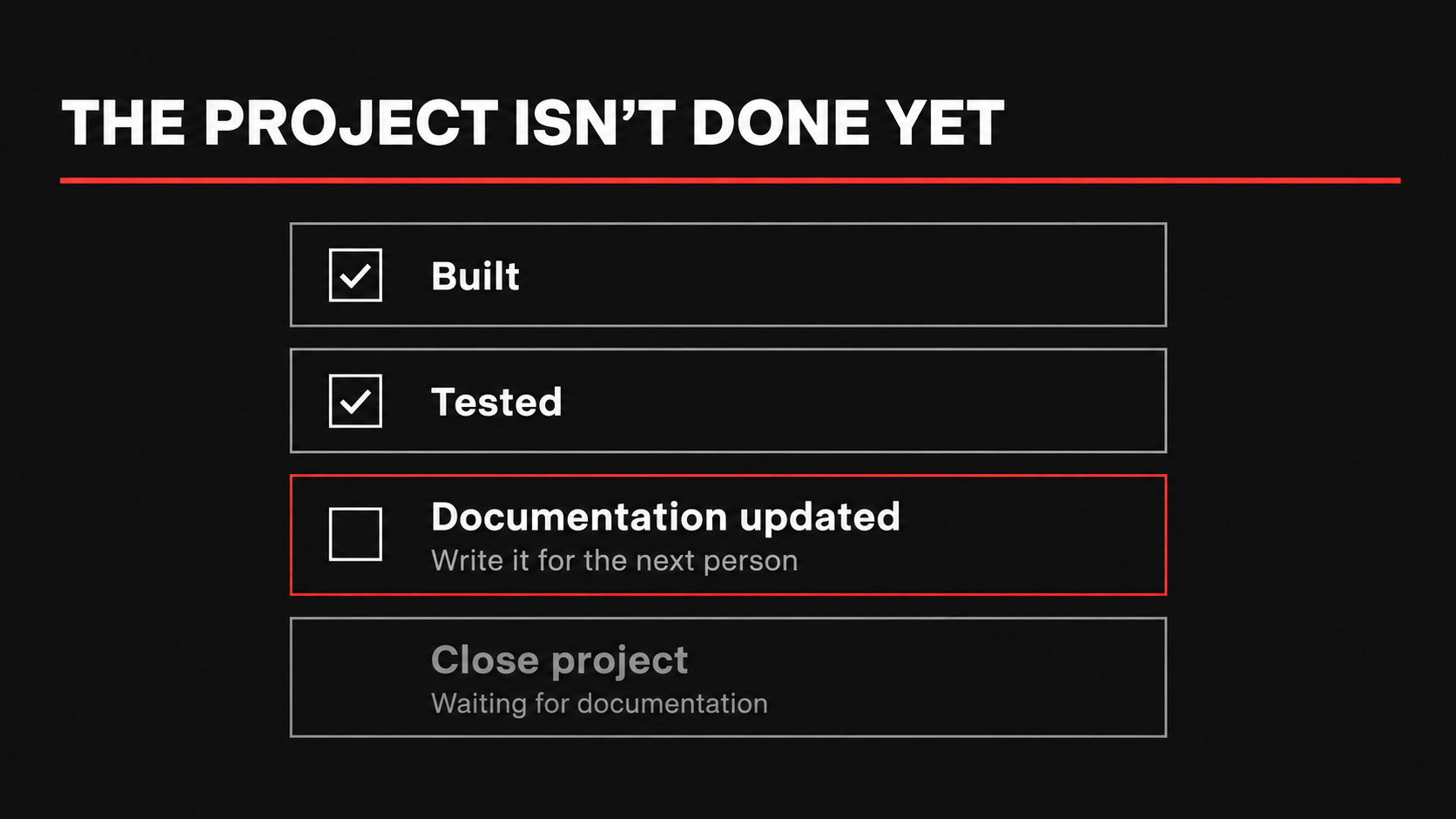
Leading by example matters too. In a lot of ways, I am driven by empathy. I cannot stand to think that somebody may be having a tough time because I chose to skip the documentation. When I finish something, I send a close-out email explaining what I did, how it is used, and where to find the documentation. That makes the handover part of finishing the work and gives people a link they can come back to.
There also has to be some personal motivation. At some point, you’ll be sick at home or sitting somewhere sunny on vacation. Somebody will need to work on the thing you built.
Writing it down while it’s fresh takes effort. Explaining it over the phone when you’re supposed to be off takes effort too. I’d rather do the documentation before I leave.